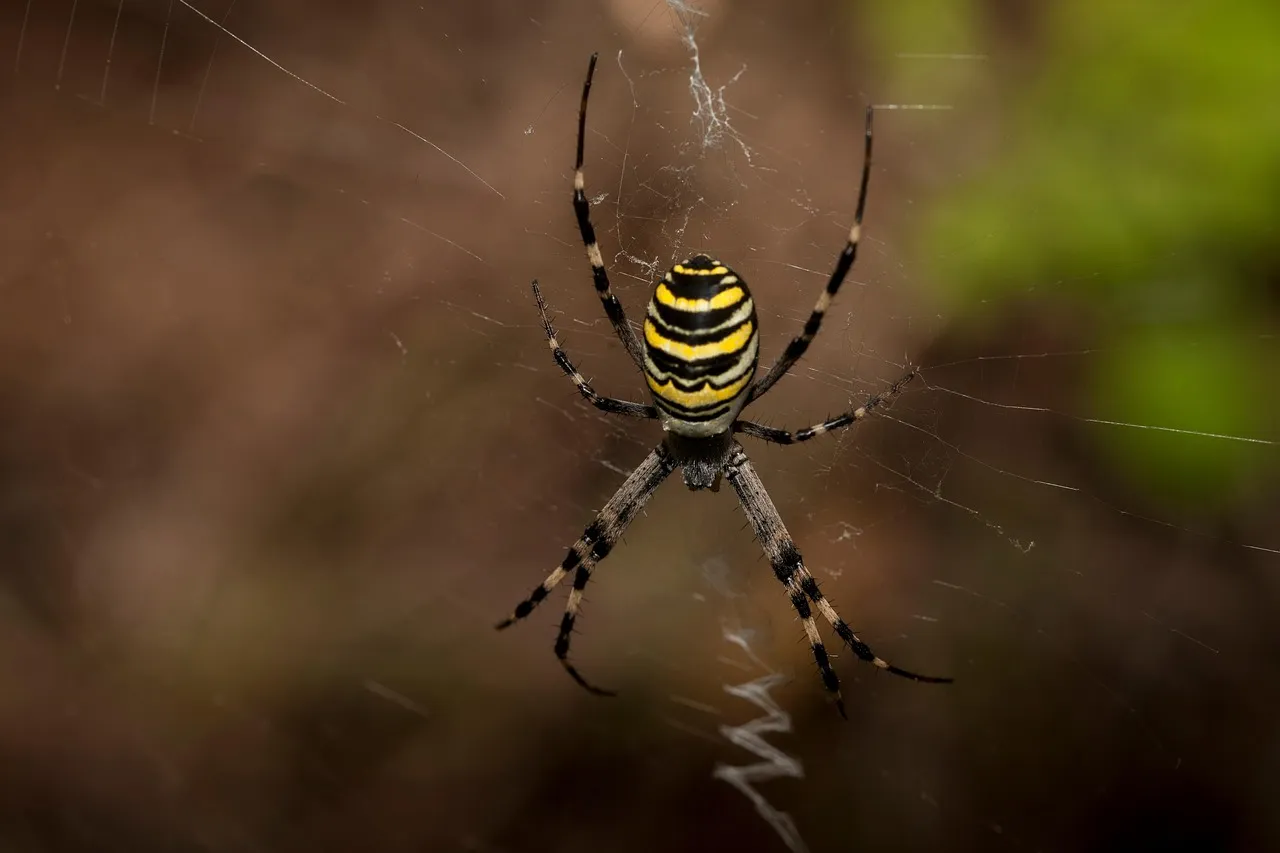
 Part of your website housekeeping is that of making sure that you have backups just in case something goes wrong, like a system failure or corrupt files or data loss or any number of other possibilities. It is always best to be safe now rather than sorry later.
A WordPress backup should be done on a regular basis and certainly every time you need to update WordPress to the latest version. (Make sure you do the backup before upgrading the WordPress version.) Once you get into the rhythm of doing your backups you will find it very straightforward. [Read more…]
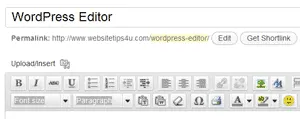 You will eventually learn your way around the WordPress editor. However, it can save you a lot of time if someone points you in the right direction to start off with. Plus you might otherwise end up missing some nifty tools, in your rush to publish your next post.
 Now comes the exciting part – learning how to build a website from scratch. This is where your creative flair can come into its own. And to help you along, in the website inspiration department, this post can guide you through the steps needed to plan, and then start developing, your own website.