

 So you have started to incorporate blog commenting as part of your traffic generation campaign.
This is good, but only good if the comments actually make a contribution. This is your reputation that you are building, so you want to impress with your knowledge and demonstrate that you are indeed an expert in your area.
The Leave a Comment Form
Now, you will be familiar with the typical comment form that appears below most blog posts:
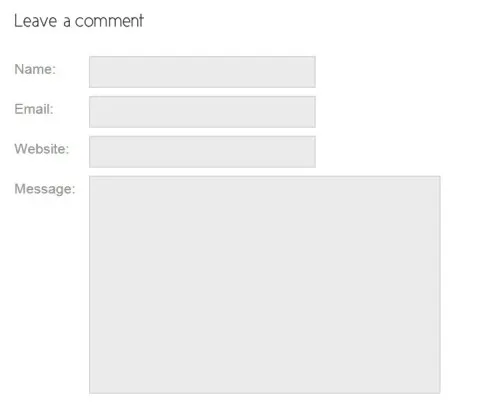
You will probably notice that most people link to their home page when completing the Website field.
The trick here is to link instead to a page on your site that is relevant to the content of the post that you are commenting on. So if you happen to be commenting on a blog post about responsive themes, then you could link your name to a similar post that you have published on your own blog.
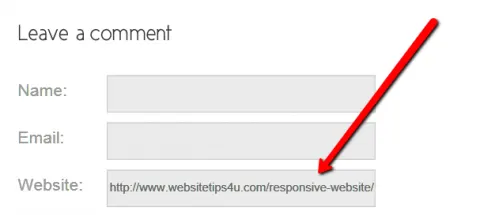
As you can see in the screenshot above, instead of just entering
http://www.websitetips4u.com/
I have entered:
http://www.websitetips4u.com/responsive-website
Leaving Meaningful Comments
As mentioned before, you need to read the post to be able to make a meaningful comment. In addition to being able to make a contribution with your comment, having to read the post will extend your own knowledge at the same time.
I like to read posts that are relevant to a a topic that I an currently exploring and writing about. This exercise provides research that I can refer to in my next blog post as well as giving me ideas I can discuss in my comments.
~~~~~~~~~~~~~~~~~~~~~~~~~~~~~~
Teaser image courtesy of jscreationzs/ FreeDigitalPhotos.net


Leave a Comment